
Enable enhanced support access
Enhanced support access lets you grant Colloquial's support team temporary access to your account so they can help diagnose and resolve a support request faster — without you needing to share credentials.
Only admins can grant or revoke enhanced support access.
How it works
When you enable enhanced support, you choose the access level and how long it lasts. Access expires automatically — you don't need to remember to turn it off. You can also revoke it at any time.
- View access (default) — the support team can read your data but cannot make any changes.
- Admin access — the support team can make changes on your behalf to help resolve an issue. Only enable this if your support request requires it.
Enable support access
- In Colloquial, click the cog icon to go to Settings.
- Select Organisation from the left menu.
- Click the Support tab.
- Under Enable enhanced support, optionally tick Admin access if your support case requires it.
-
Set the Support time period — choose how long access should last (72 hours, 1 week, 2 weeks, 1 month, 3 months, or permanent).
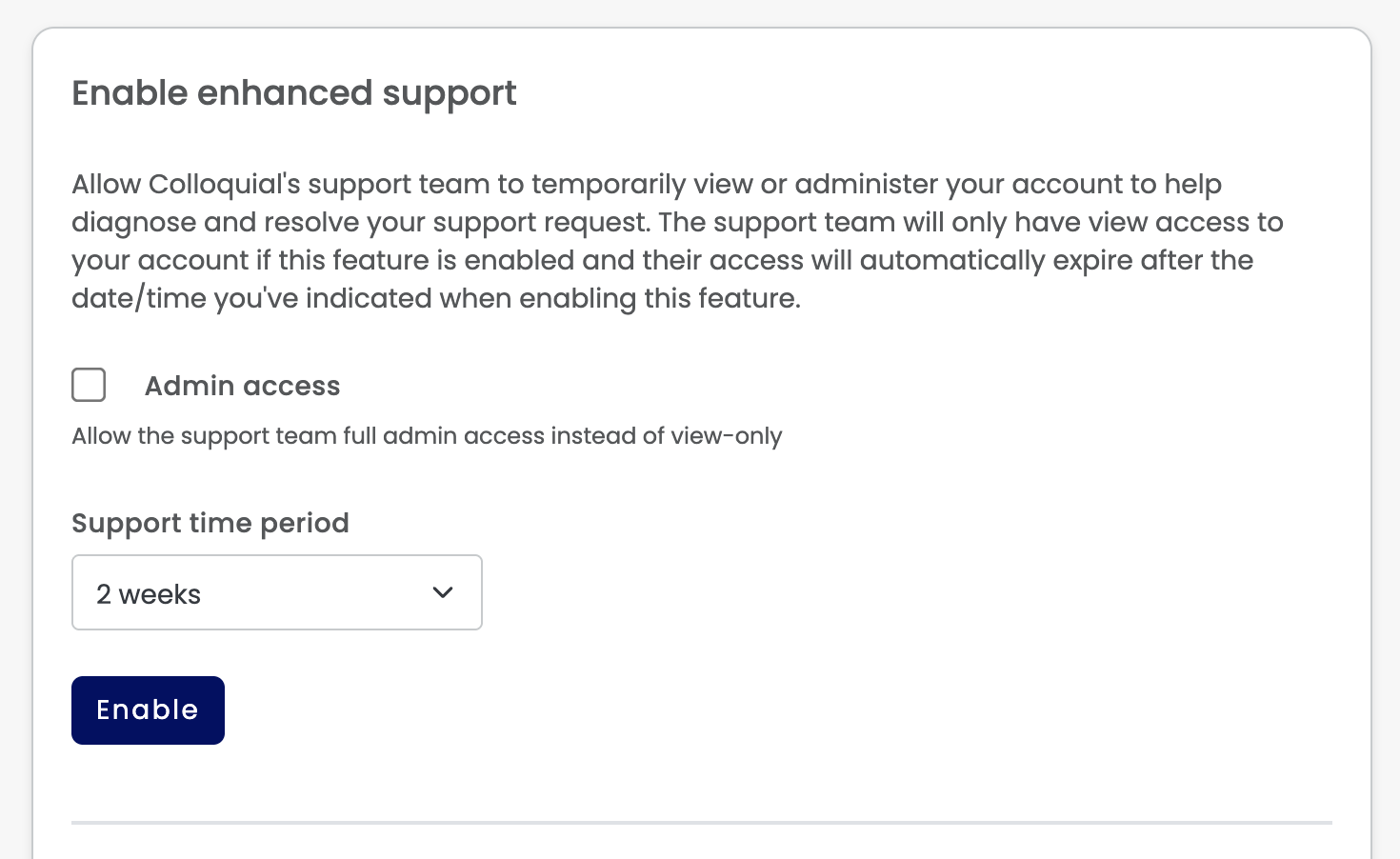
- Click Enable.
The support tab will update to confirm the access level and expiry date.

Revoke support access
You can end support access at any time — the support team loses access immediately.
- Go to Settings > Organisation > Support.
- Click Revoke.
- Confirm when prompted.
Once revoked, access cannot be restored from the same grant — you'll need to enable it again if further support is needed.